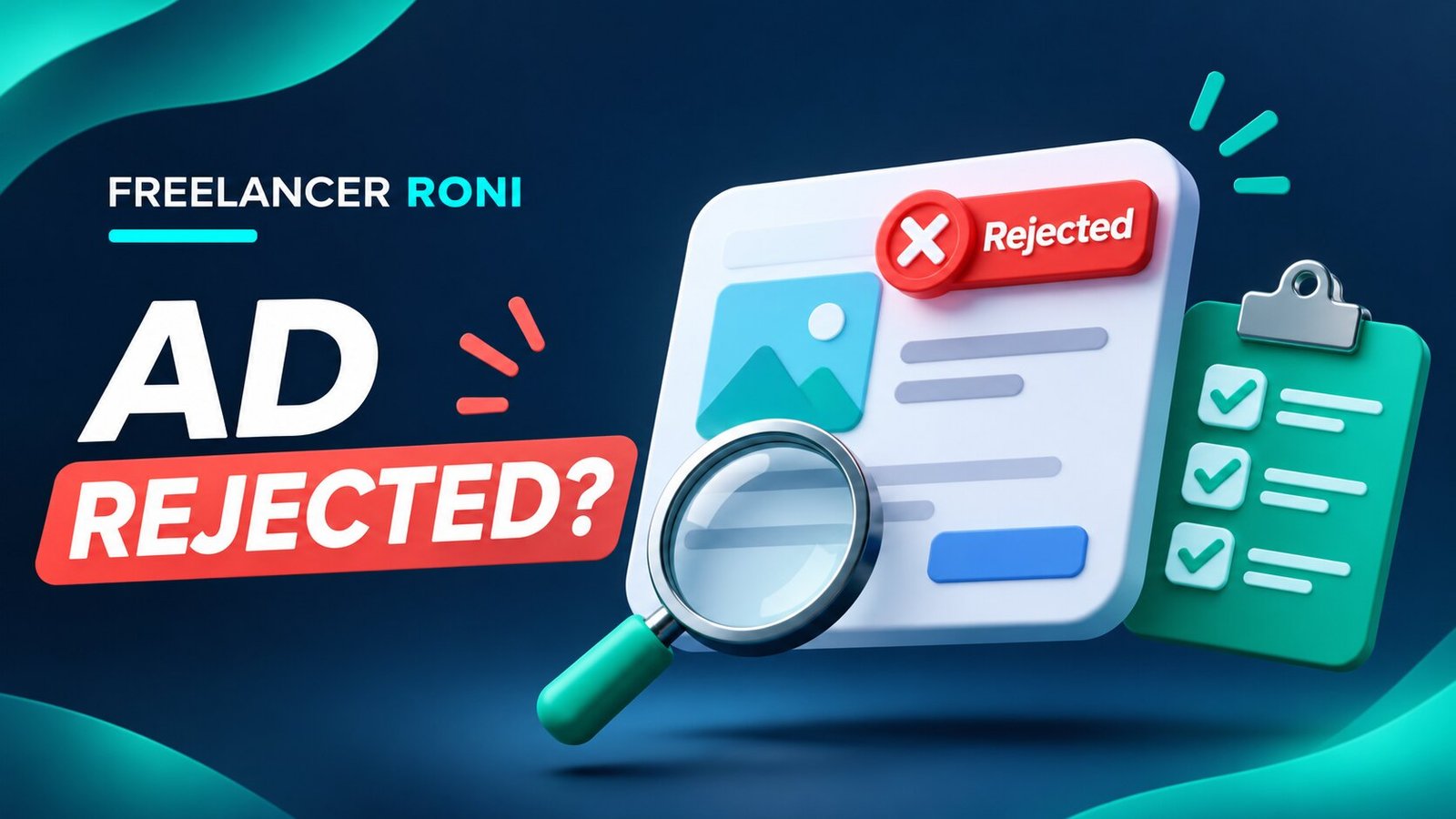
A rejected Facebook or Instagram ad needs a clear diagnosis before you resubmit it. An ad-level rejection is different from a restriction on the entire account. Start with the exact notice and identify the affected ad rather than guessing from a generic error message.
1. Record the reason and affected asset
Keep the ad ID, rejection message, date and a screenshot. Open the relevant account in Meta Business Support Home and read the information shown for that asset. Menu labels and available actions may vary by account. Do not assume every rejected ad has the same cause.
2. Review the complete ad journey
Check the copy, image or video, targeting and destination. Meta Blueprint explains that ad review includes the ad components and landing page. Make sure the page works on mobile, accurately describes the offer and does not contradict the ad. Correct unsupported promises, misleading wording or other issues identified in the notice.
3. Choose correction or review
If the ad does not meet the relevant standard, correct the underlying issue. Meta explains that an edited ad is reviewed again. If you believe the rejection is incorrect, use the review option offered in Business Support Home and explain the facts clearly. Availability depends on the notice and account.
4. Prepare a useful explanation
Identify the ad, name the policy mentioned and explain why the content complies or what you changed. Include relevant evidence when requested. Avoid sending copied appeals that make claims unrelated to your business. Keep a record of the submission and response.
What to avoid
- Repeatedly uploading the same non-compliant ad
- Disguising the real product or destination
- Claiming guaranteed approval from a third-party service
- Sharing login passwords or verification codes with strangers
FAQ
Does one rejection mean the whole business is disabled?
No. Read which asset the notice identifies. An ad decision and an account restriction require different checks.
Can anyone guarantee approval?
No. Meta makes the decision. A review request is not a promise of approval or a fixed completion time.
Need help reviewing ad copy and the landing page? Explore Facebook and Instagram Ads Management or request an assessment.
Official resources: Meta Business Support Home; Rejected-ad help; Meta Blueprint: Understanding Advertising Standards. Follow the current instructions displayed in your account.