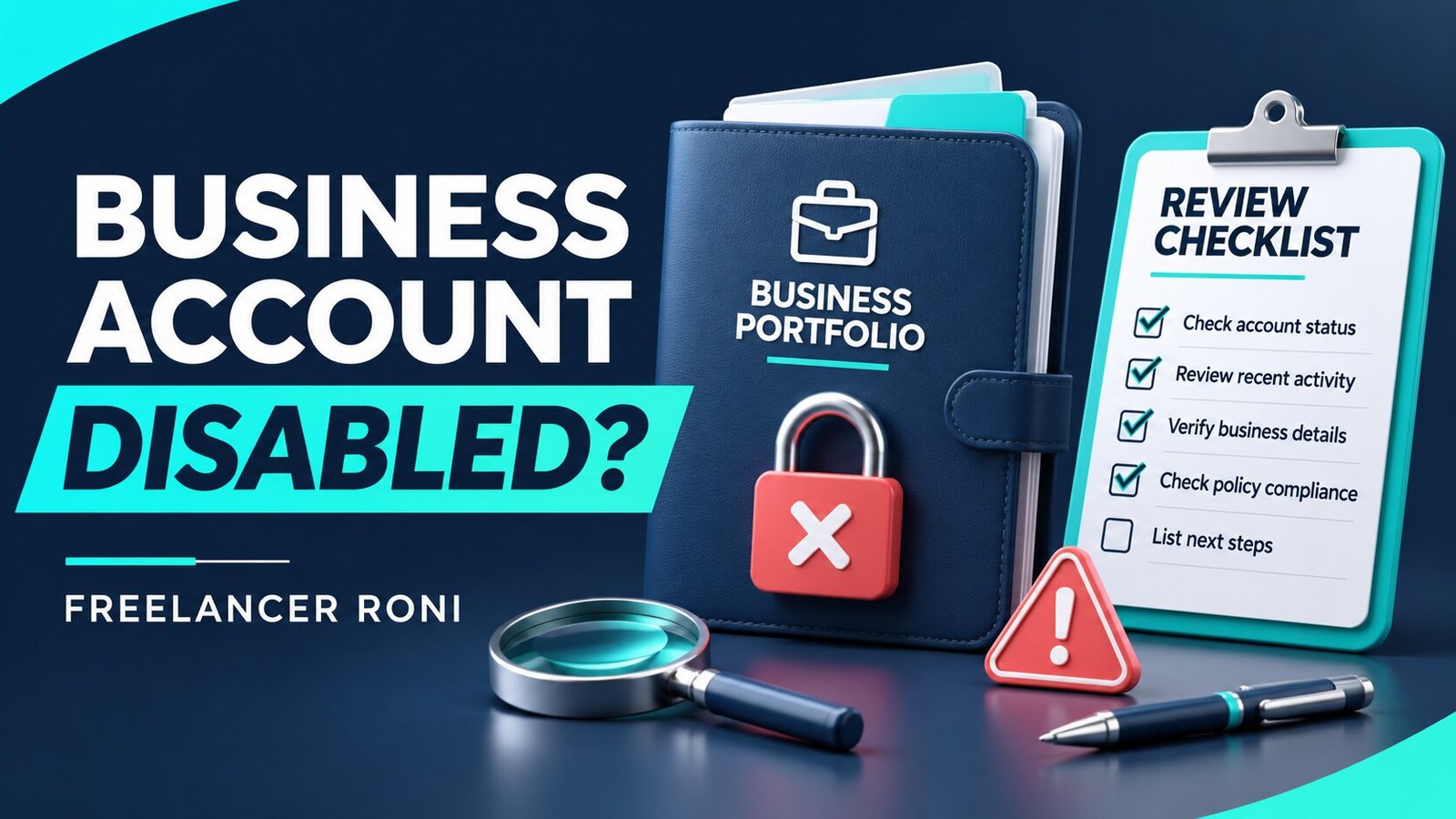
If your Meta business portfolio, often called Business Manager, is disabled or restricted, first establish what has actually been affected. A problem with a personal profile, Page, ad account or business portfolio can look similar from the campaign screen. The next step depends on the specific notice.
Identify the restricted asset
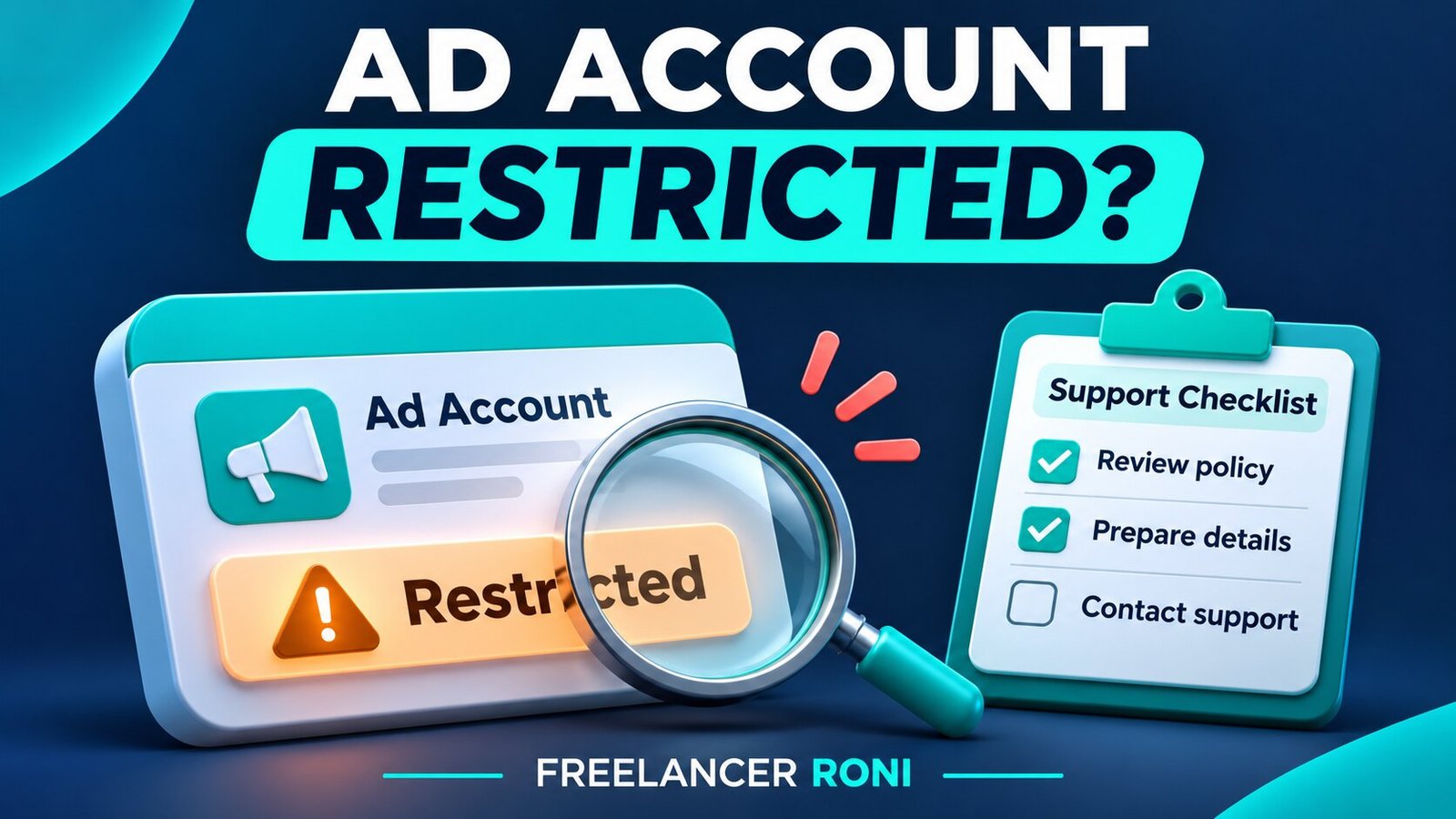
Open Meta Business Support Home through the official website. Record the business name, asset ID, restriction message and date. Check whether other assets show separate notices. Do not treat a rejected ad as proof that the whole business portfolio is disabled.
Review access and account security
Confirm that you are using the correct business and that the responsible business owner can access it. Review unexpected users, partners or recent changes. If you suspect compromise, use Meta recovery and security tools. Do not send passwords, one-time codes or recovery codes to anyone claiming to be support.
Follow the actions offered for your case
Use the instructions displayed for the affected asset. If Meta requests verification or supporting information, provide accurate records belonging to the actual business through the official interface. Keep the business name, website and submitted records consistent. Do not alter documents or invent an ownership history.
Prepare a review request where available
If a review option is offered and you believe the restriction is mistaken, submit a concise account of the issue. Include the affected asset, what you checked, any corrections made and relevant evidence requested by Meta. Keep copies of the case reference and response. Available review options depend on the account and current decision.
Do not replace diagnosis with a workaround
Buying another account, using borrowed identities or moving the same prohibited activity elsewhere does not address the underlying issue. Focus on the stated restriction and official resolution options. A third party cannot promise that Meta will reverse its decision.
FAQ
Is verification the same as reinstatement?
No. Completing a requested check does not itself prove that all restrictions have been removed. Confirm the asset status afterward.
What if no review option appears?
Follow the actions and support routes currently available in the official account interface. Do not use unsolicited appeal links from messages.
For help organizing business assets and reviewing setup, see Business Manager setup support or send your issue details. Review eligibility and reinstatement remain Meta decisions.
Official resources: Meta Business Support Home; Disabled or restricted account help; Advertising restriction review help. Account-specific notices take precedence over general checklists.